 CarLyrics
Lyrics thatkeep up withthe song.
CarLyrics shows synced lyrics for what you are playing in Spotify and other Android music apps. Free, open source, no account.
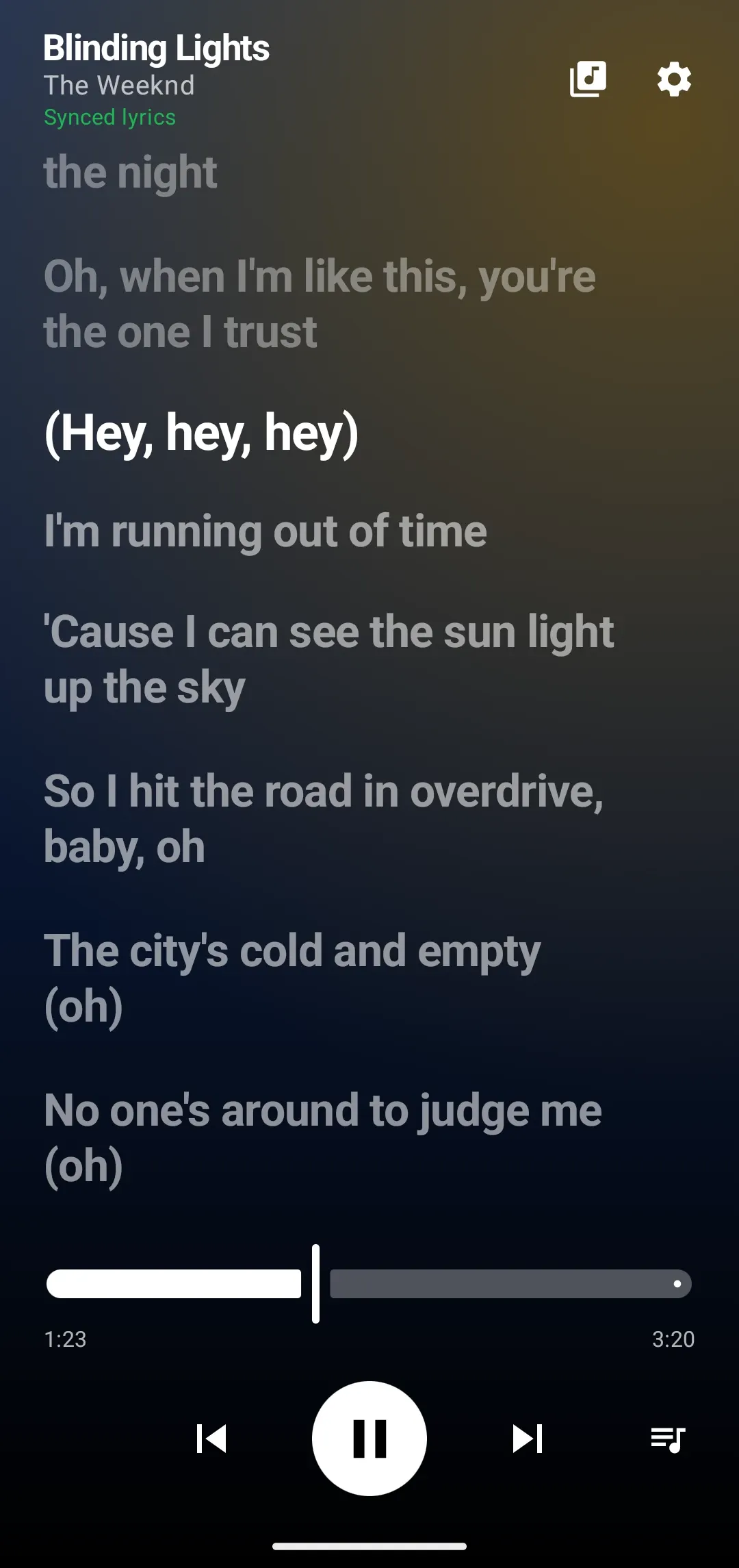
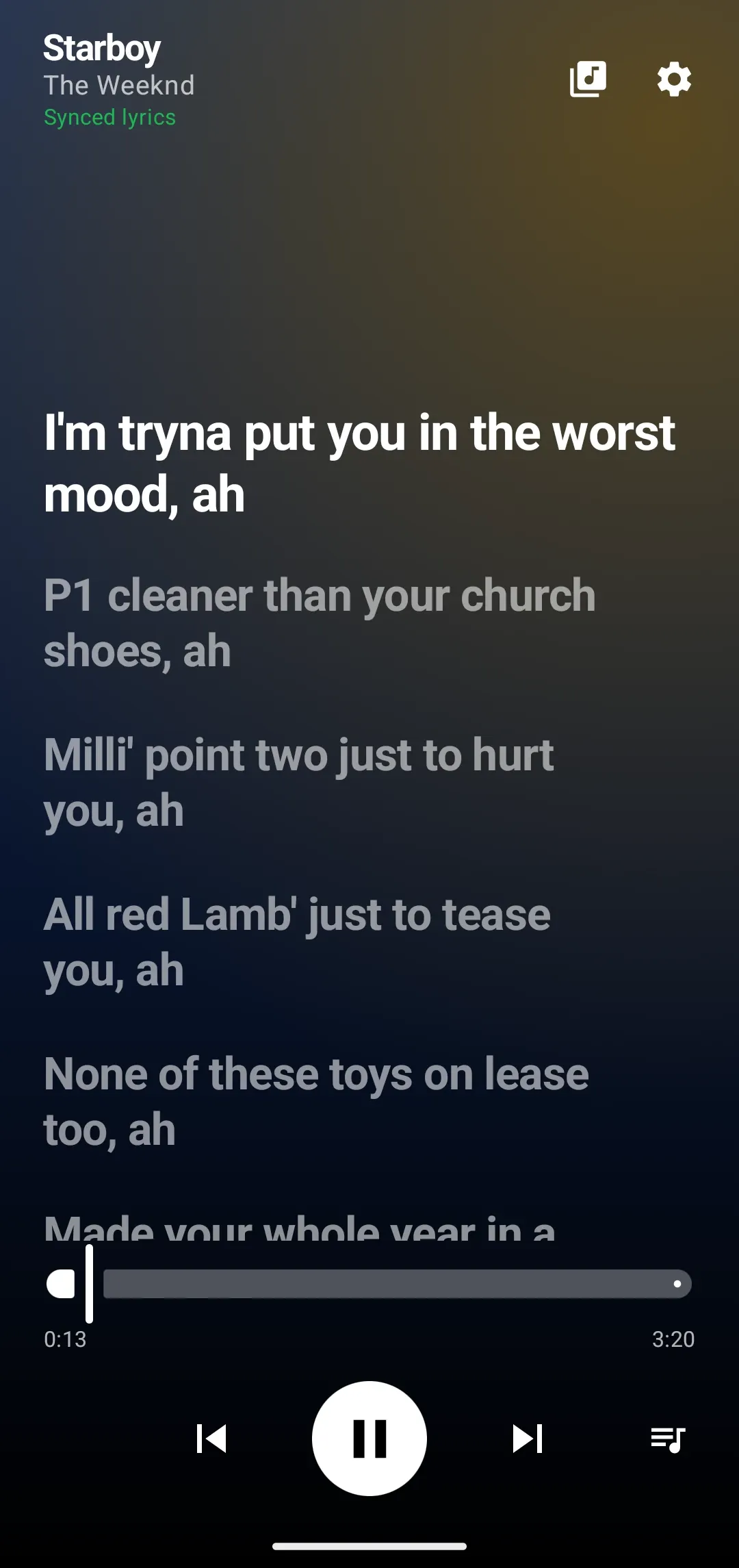
Tap a line. The song follows.
Lines light up as they are sung. Tap any line, or drag the seek bar, and the song jumps with you. Scroll ahead to read what is coming, then one tap on Sync to song brings you back.
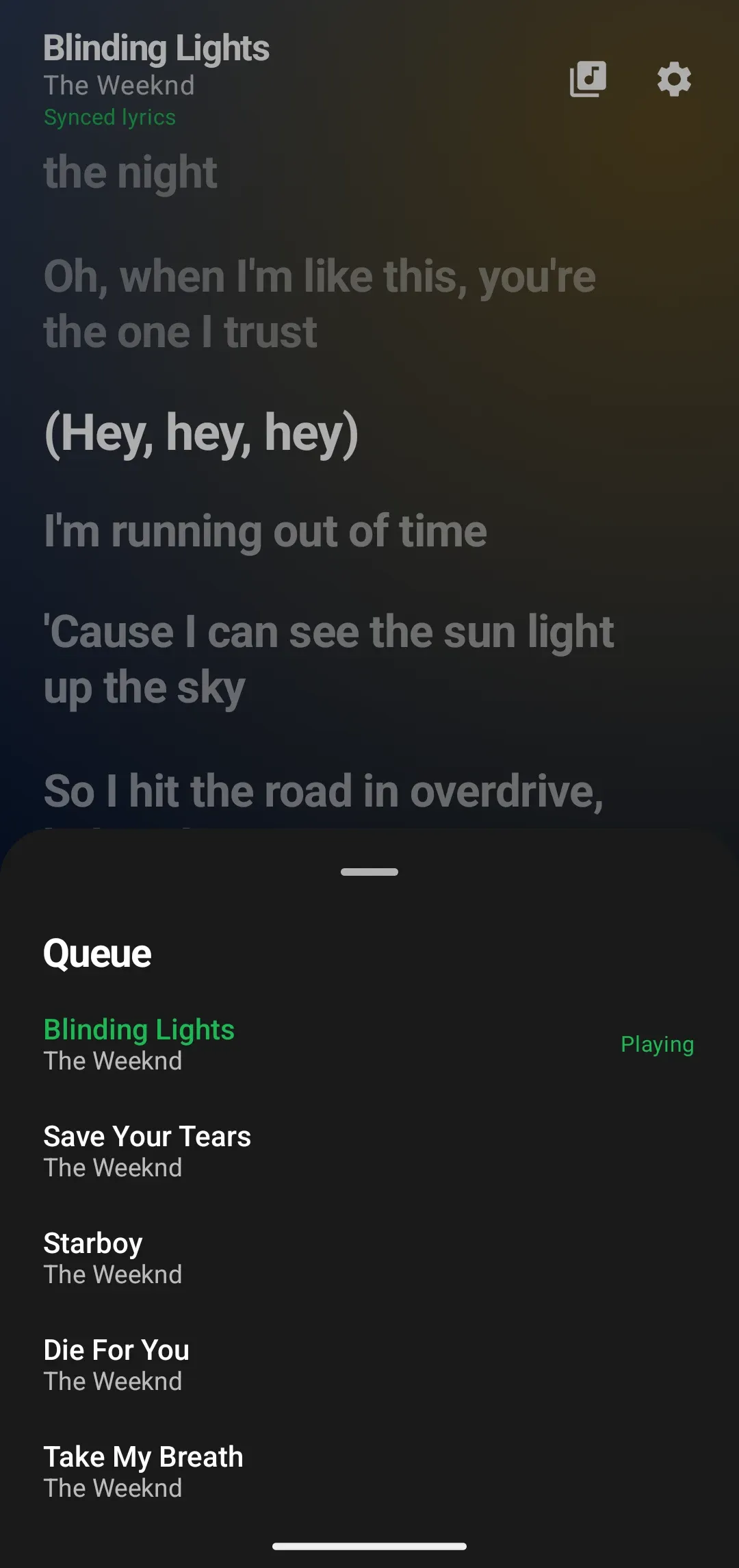
See what is next.
When your player shares its queue, an Up next list appears next to the controls. Tap a song to skip straight to it. If your player does not share a queue, the button stays out of the way.
Keep what you have played.
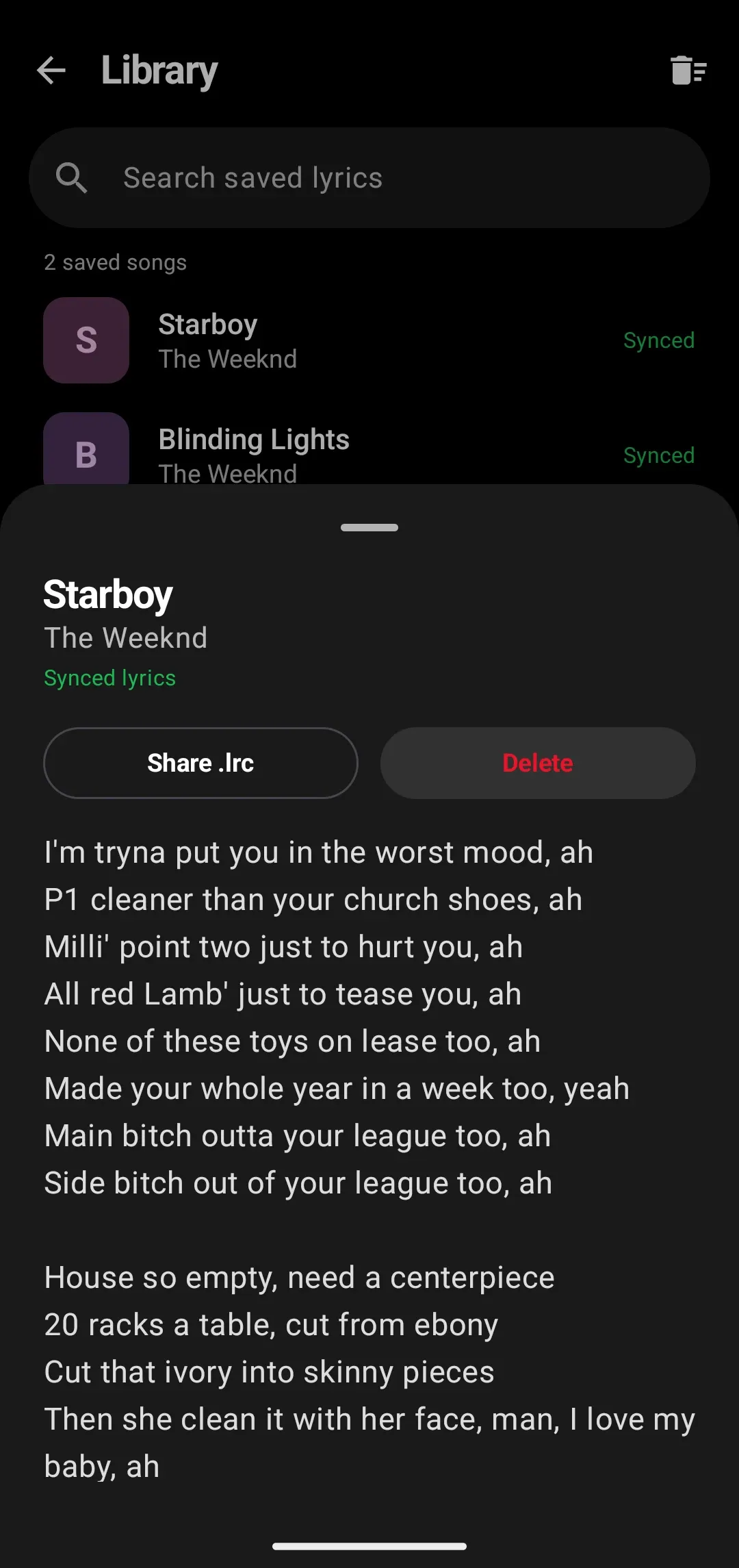
Every song’s lyrics are saved on your phone, so they are there offline. Search them, read them, share one as an .lrc file, or add your own.
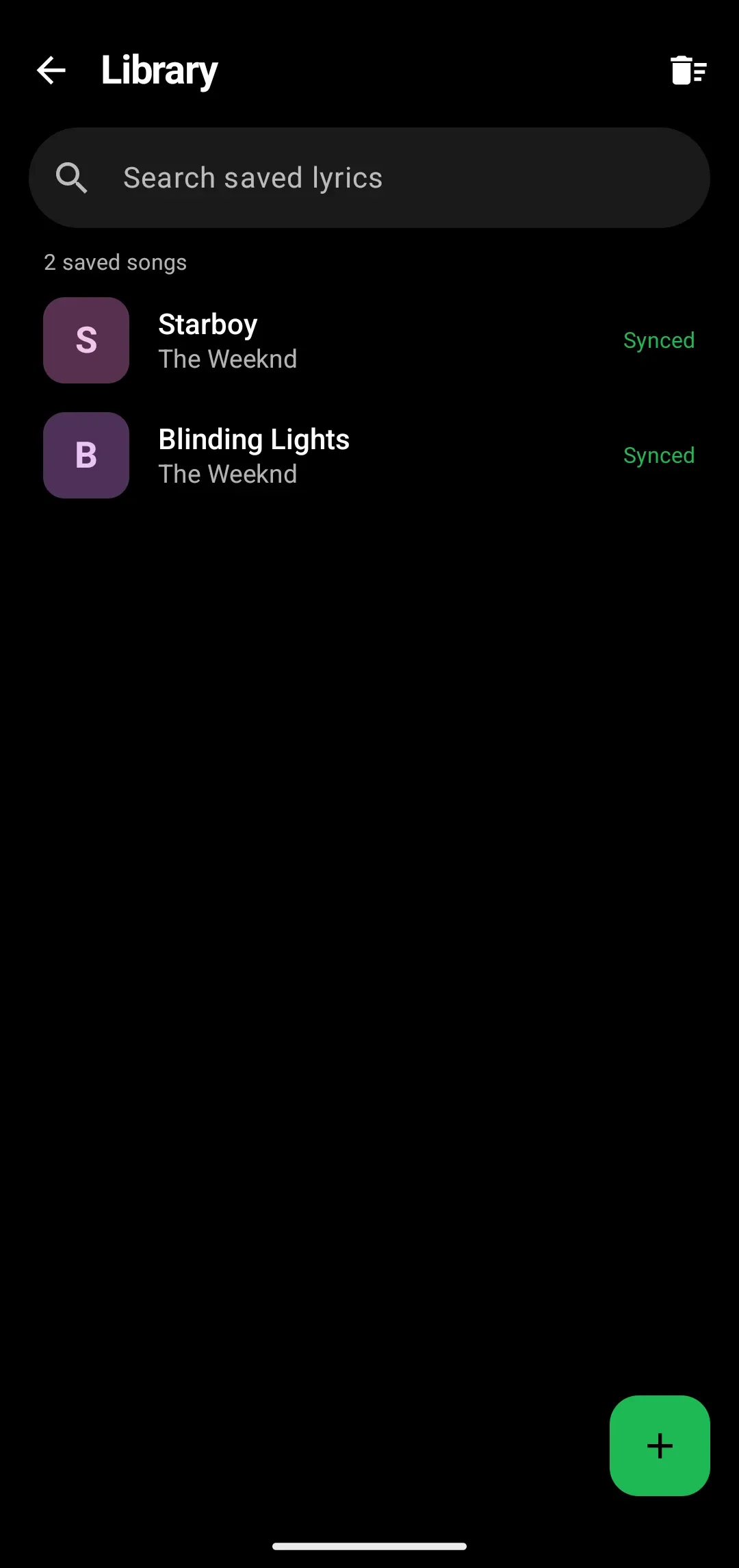
Yours to control.
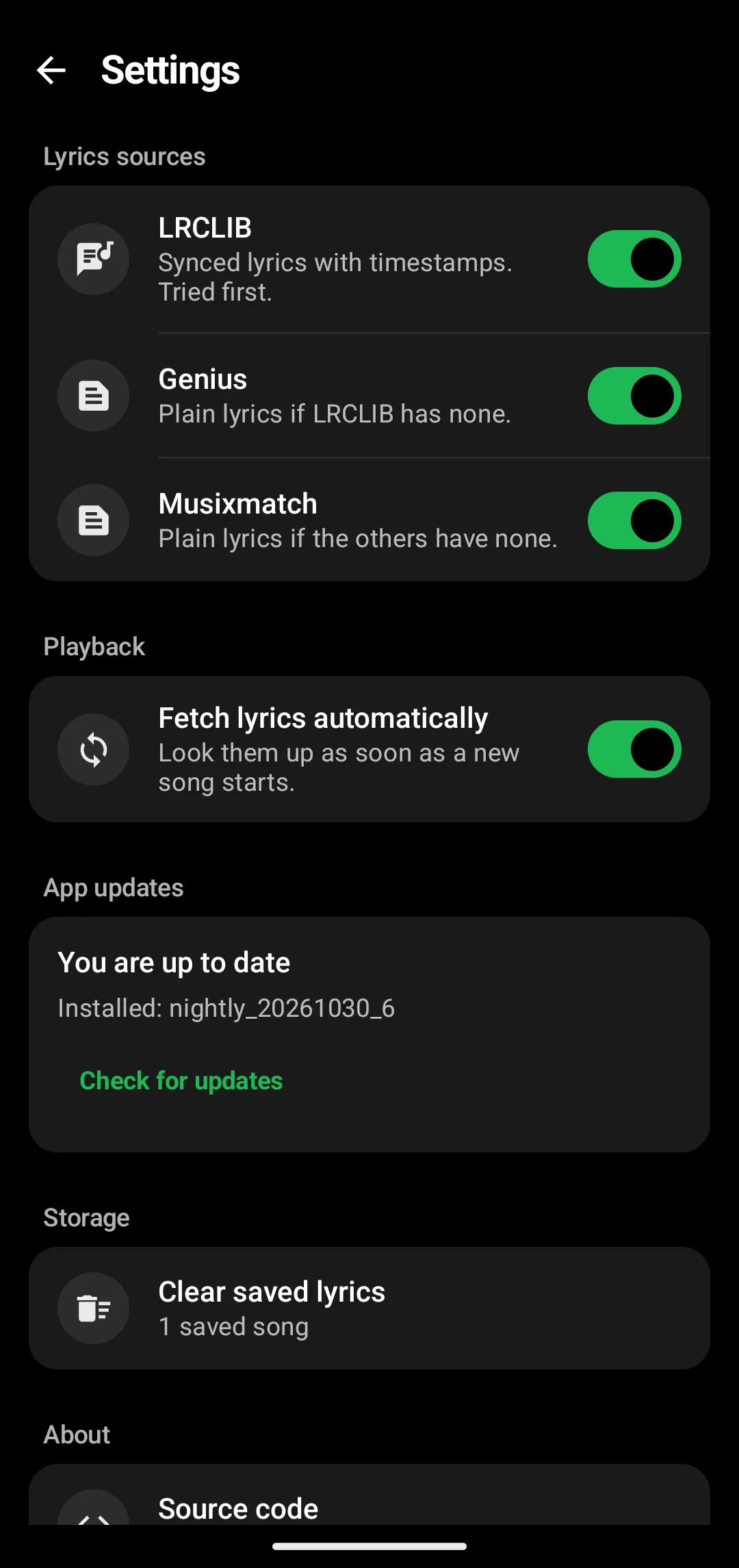
Choose where lyrics come from (LRCLIB, Genius, Musixmatch), turn automatic lookup off, and update the app from inside it. There is nothing to sign in to, and a lookup sends only the song title and artist to the lyrics source.
Also in the app.
- A live lyric line in the status bar, only while music plays.
- A home screen widget with the current line.
- The album cover paints the background, in its own colors.
- Nothing runs in the background while no music is playing.
- Works with Spotify, YouTube Music, Apple Music, Tidal and other music apps. Video apps are ignored.
Android Auto.
CarLyrics includes an Android Auto screen that shows the current line and the next few. It is new and has not been tested in a real car yet, so treat it as a preview. If you try it, tell us how it went.
Get CarLyrics.
Free, no ads, no account. Needs Android 11 or newer. After the first install it updates itself from inside the app.
- Download the APK and open it. Allow installs from your browser if Android asks.
- Open CarLyrics and turn on notification access, so it can see what is playing.
- Play a song. The lyrics appear and follow along.